参考1
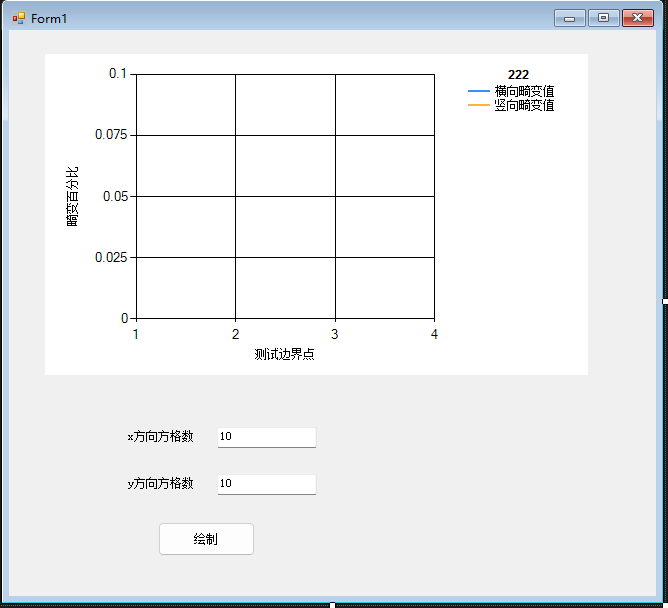
代码
绘制
private void button1_Click(object sender, EventArgs e)
{
OpenFileDialog openFile = new OpenFileDialog();
//GetType().Assembly.Location:获取当前进程的完整路径,包含文件名。
openFile.InitialDirectory = Path.Combine(Path.GetDirectoryName(GetType().Assembly.Location), "Images");
openFile.Filter = "All|*.*";
if (openFile.ShowDialog() == DialogResult.OK)
{
Img = Cv2.ImRead(openFile.FileName);
}
//首先裁剪图片右下角那块 输出为img2
//x=0在图片最左边 y=0在最上面 取的是矩形的左上顶点
int kuan = Img.Width / 2;
int gao=Img.Height /2 ;
//gao= 720;
MessageBox.Show(Img.Height.ToString());
Rect rect = new Rect();
rect.X = kuan-180;
rect.Width = kuan+50;
rect.Y =gao-180;
rect.Height = gao+180;
Mat img2= new Mat(Img,rect);
Cv2.ImShow("裁剪", img2);
//处理
myFind_chessboard(img2);
//chart上画图
drawLine();
}
棋盘格处理
代码
绘制
private void button1_Click(object sender


